
Get started
On its way to the AppExchange.
Docable is in the Salesforce partner programme. Until it is listed, the waitlist is the way in: join it and you'll be first to install.
Join the waitlist.
We'll tell you the moment Docable is ready to install, and answer anything you ask.
Join the waitlist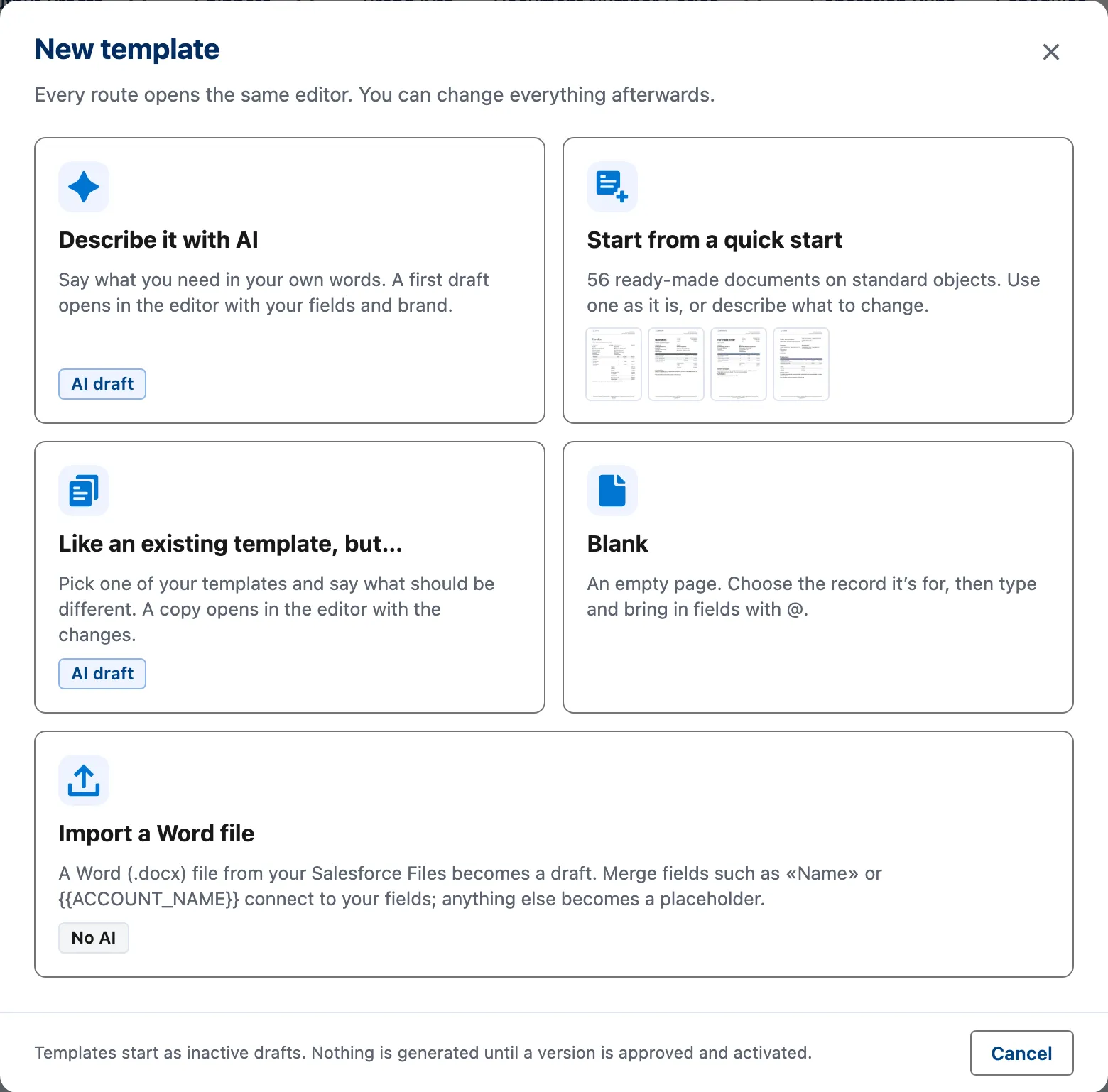
Install into a sandbox.
Give each person a Docable role, then start from a starter, AI, Word or blank.
What you'll need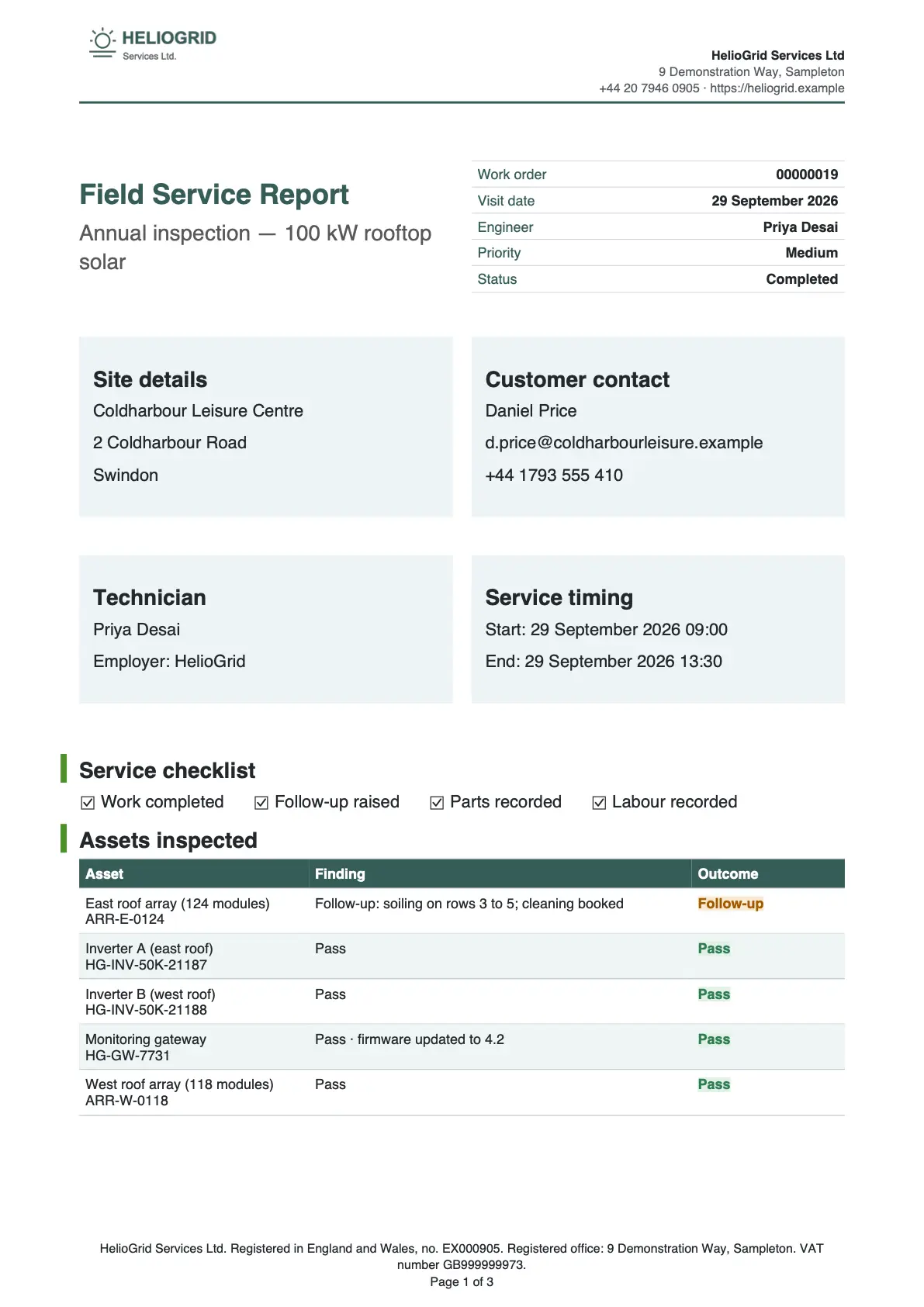
Make your first document.
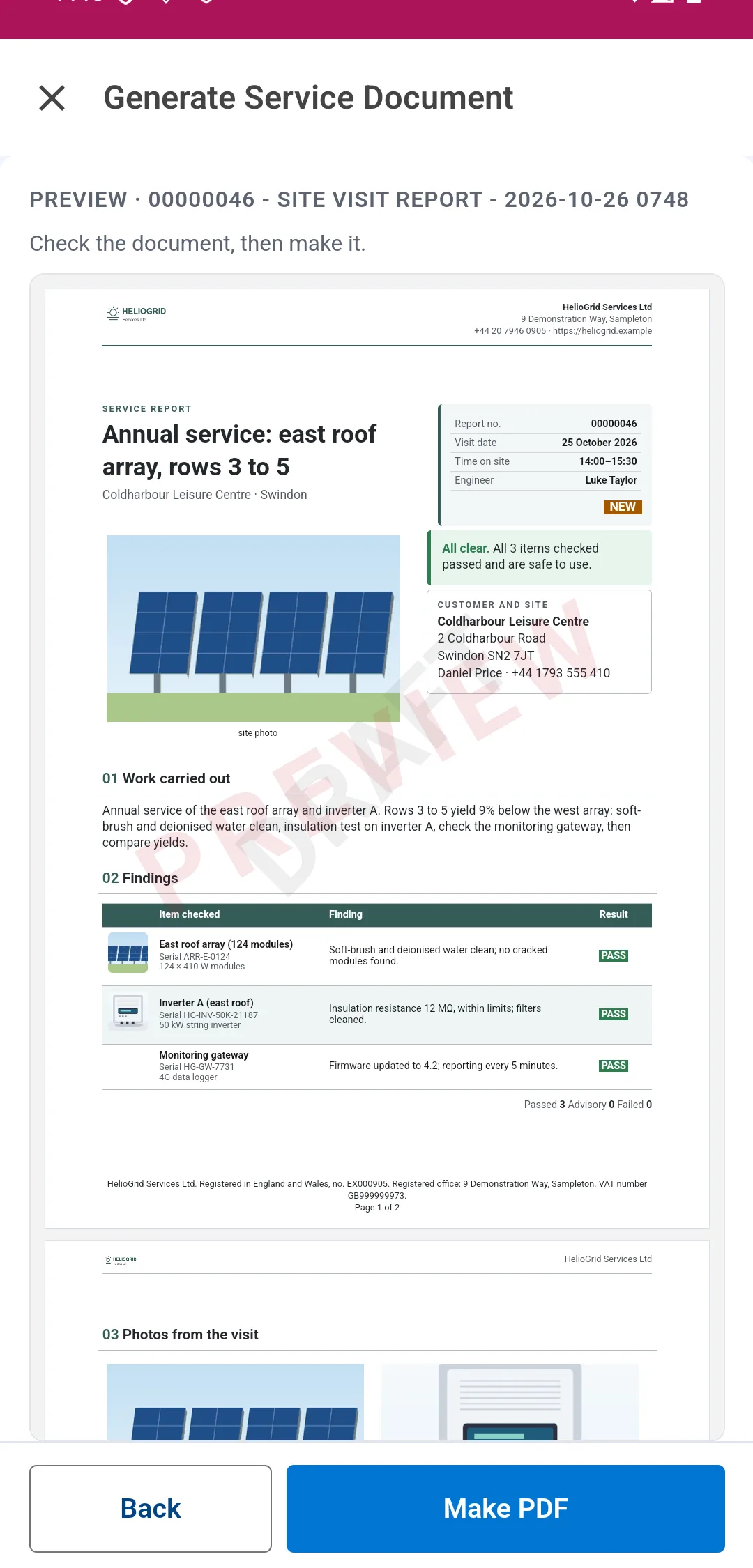
Prove it on a real record, make it live and generate.
Getting started guide


Inside Salesforce
Every route opens the same editor.
AI, a starter, a copy, Word or blank: then you write it like Word.

The Get started tab, first in the Docable app, shows what is ready for you and the org, with a Check again button. It walks through five steps: start a template, choose a Brand Kit, prove it, make it live, generate.
Already evaluating Docable for a project with a date? Tell us the timing and we'll say where things stand.

Be first in line.
Docable is on its way to the Salesforce AppExchange. Join the waitlist and we'll tell you the moment it's ready to install.