
Field Service starter
Branded service report
Report a service visit with findings, a chart, photos and a signature, in the full brand.
- Work Order
- Field Service
3 pages, as Docable made them from sample records with the Calderwick sample brand. The company, people and figures are made up.
- Page 1
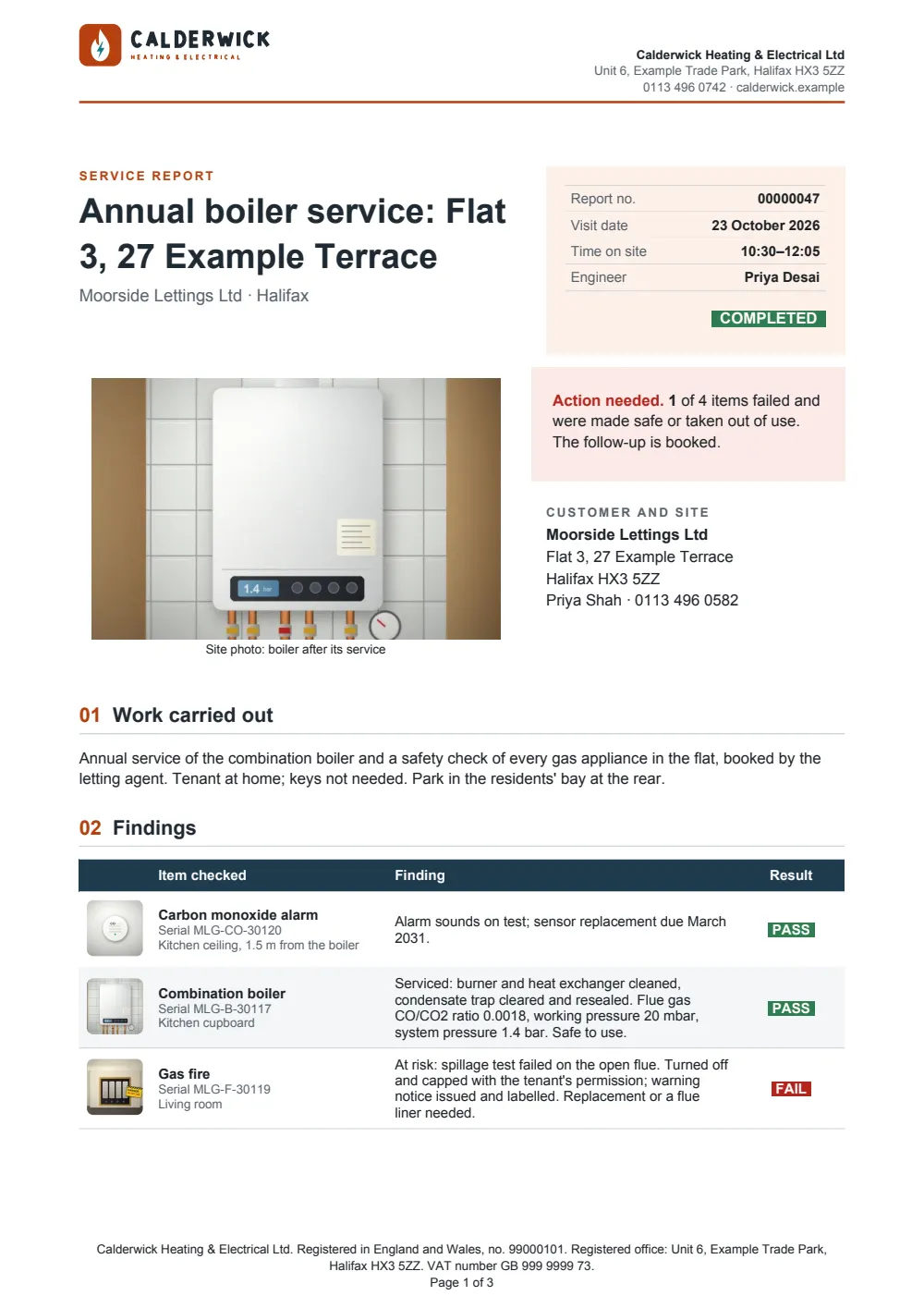
- Page 2
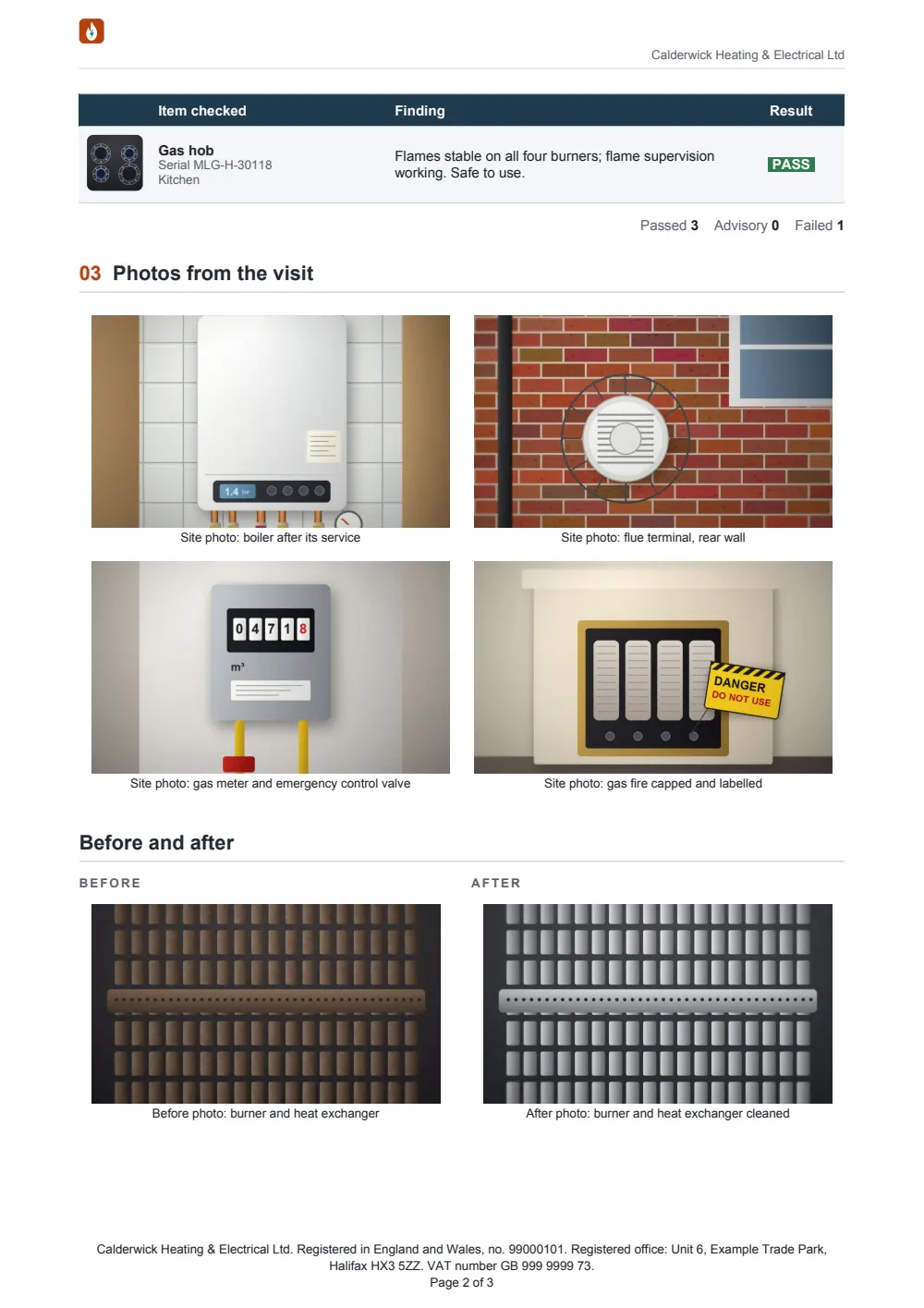
- Page 3
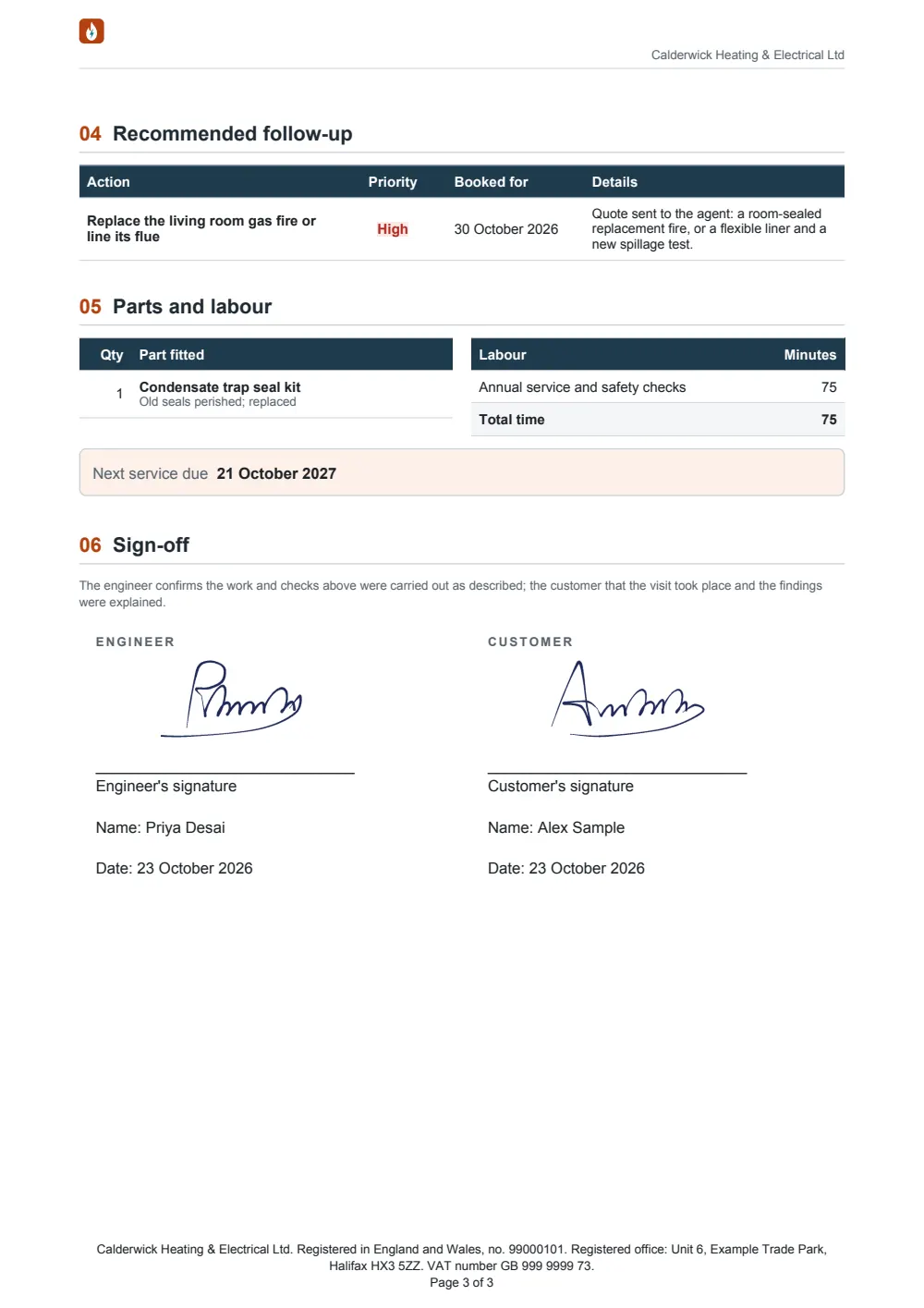


A branded service report on a Work Order, built to be sent from the job: a title panel with the report number, visit times, engineer and a status badge; a large photo of the site; an outcome banner (all clear, advisories or action needed) worked out from the line items; the customer and site; the work carried out; findings with a picture of each item and a pass, advisory or fail badge; a photo gallery and a before-and-after pair from the record's Files (left out when there are none); the follow-up work (only when there is some); parts and labour; the next service date (only when given); and the engineer's and customer's signatures from the Field Service app, each with the name and date.
The HelioGrid Services example
Needs Field Service in the org.


More for Field Service.



Be first in line.
Docable is on its way to the Salesforce AppExchange. Join the waitlist and we'll tell you the moment it's ready to install.