Automation
One record or thousands.
Every way to generate, one service behind them all.


From wherever work happens.
A button on the record page or a list, the Salesforce and Field Service mobile apps, a Flow, a schedule, Apex, REST, an Experience Cloud site, Claude or an Agentforce agent.
- Record page
- List
- Mobile
- Schedule
- Flow
- Apex
- REST
- Experience Cloud
- Claude
- Agentforce
 One generation serviceThe same access rules and the same results, whichever way you ask.
A few lines of Apex.
The same call makes one document or many. Flow and REST take the same request.
DcsGenerateV1.Request request = new DcsGenerateV1.Request();
request.templateId = templateId;
request.recordIds = new List<Id>{ workOrderId };
request.outputs = new List<String>{ 'PDF', 'DOCX' };
request.requestKey = UUID.randomUUID().toString();

DcsGenerateV1.Result result = DcsGenerateV1.generate(request);In bulk, in the background.
Make one document or thousands in one run, by hand or from Flow and Apex, and follow each run on the Generation Runs tab.

- No record cap
- Runs in the background
- Combined PDF
- Generation Runs tab
- Cancel and retry
On a schedule.
Month-end statements, weekly service reports, renewal notices: a schedule picks the records with rules or a SOQL filter and runs without Flow, as the person who set it.

- No Flow needed
- Rules or a SOQL filter
- Skips records already done
- Try it on 3 records
- Working days only, if you like
On a phone. Even offline.
From the Salesforce and Field Service mobile apps. In the Field Service app you still preview the document and capture the signature offline; the file is made and saved to the record when the phone reconnects.
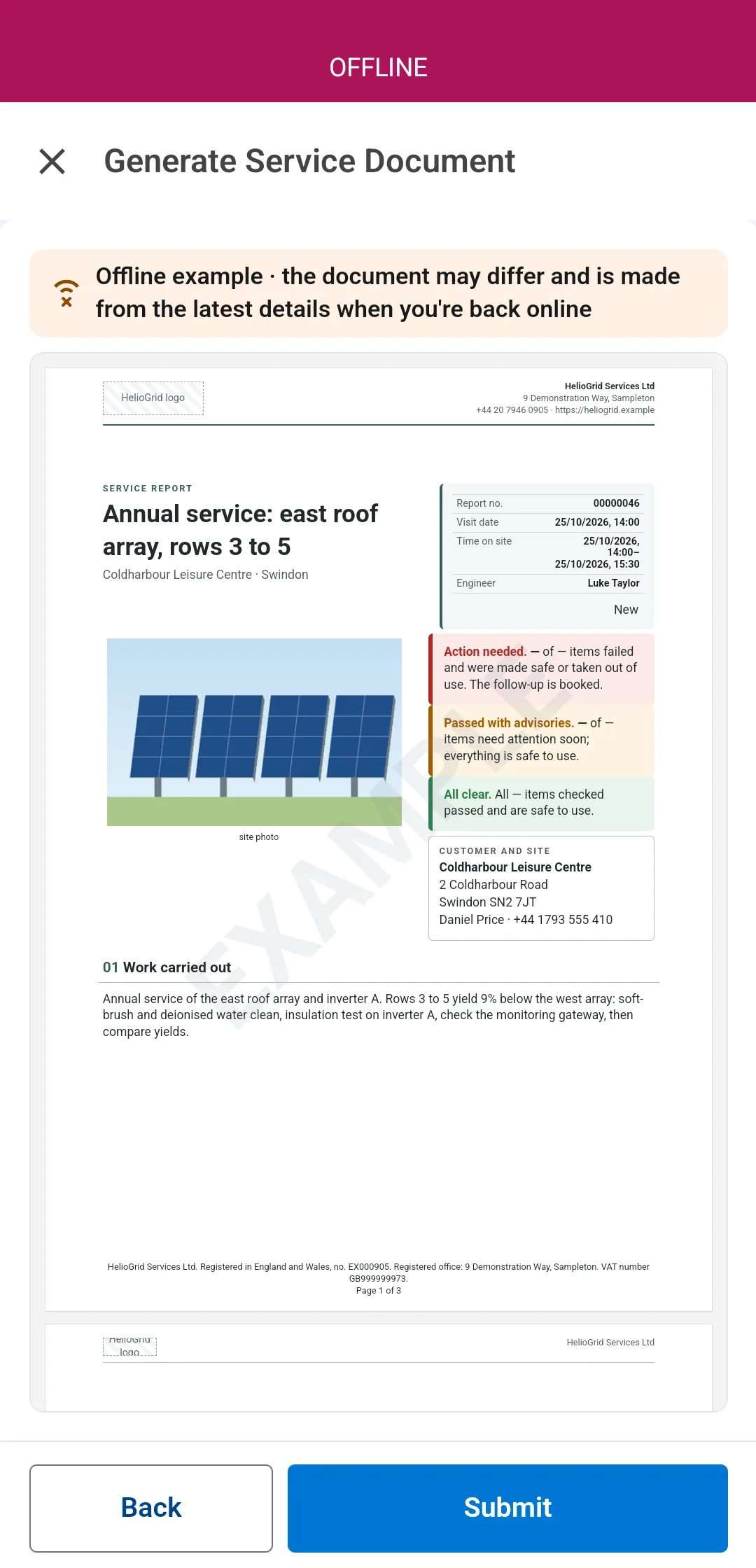
Offline: the example preview, filled from the phone
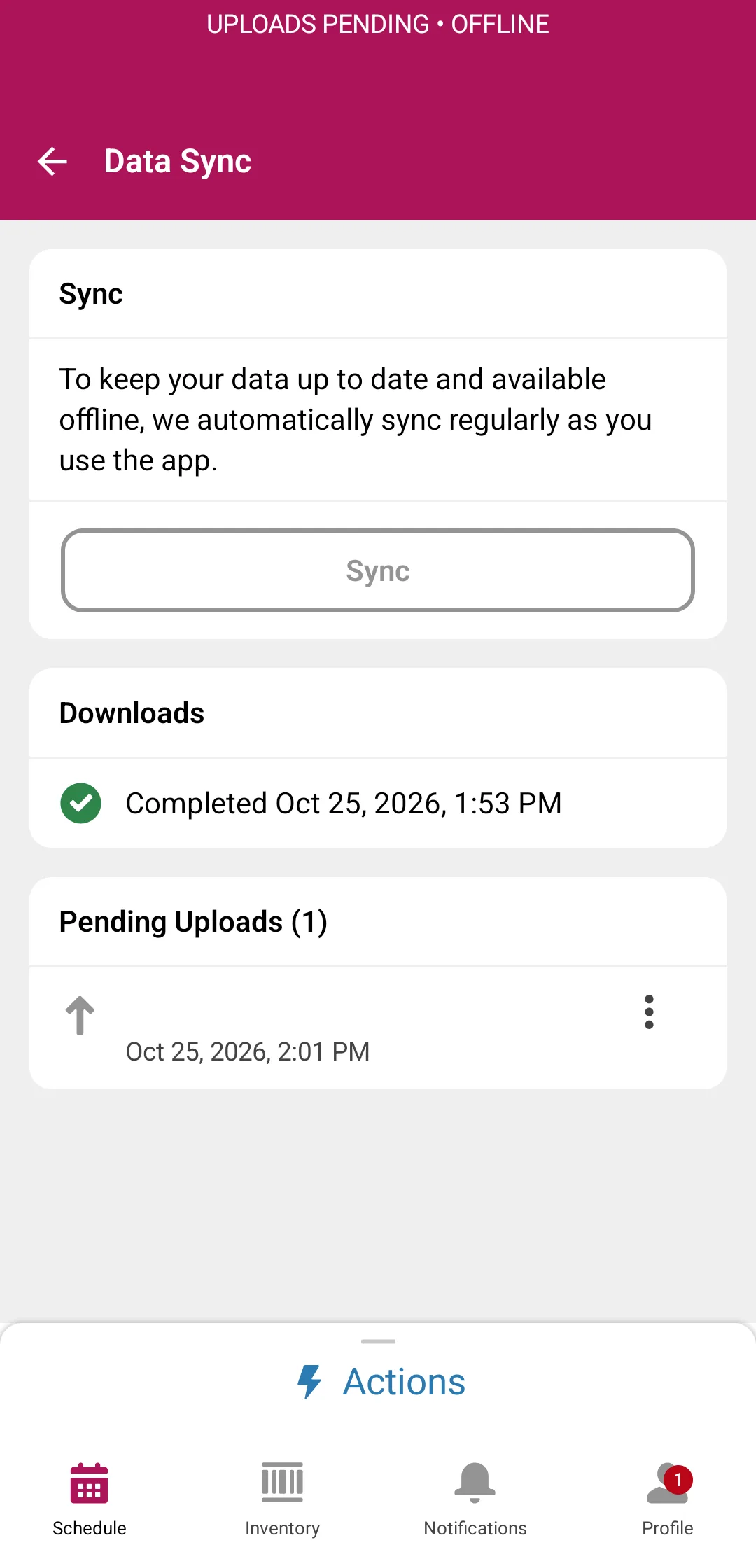
Submitted: made and filed when the phone syncs


Retry the same document.
A retry makes the same document from the data captured the first time, so nothing changes under you.
- Retry from the same data
- Retention you set
- A support file with no record values
Your access, or a ceiling you approve.
Documents run as the person who asks. A template can see more than the person asking, but only as far as an approver allows.
- Runs as the requester
- Approved ceiling
- Audited
For guests and members too.
On an Experience Cloud site, guests and members ask for their document and download it from the same page.
Learn how.
Step-by-step guides, with the screens.

Be first in line.
Docable is on its way to the Salesforce AppExchange. Join the waitlist and we'll tell you the moment it's ready to install.