
Approve a Brand Kit
Last updated 25 October 2026.
By the end of this guide a Brand Kit version is approved and current, so templates can use it. It is for people who approve Brand Kits.
Before you start
- You hold Docable Approve Brand, which the Docable Brand Manager set includes, and you can see the kit.
- A Brand manager has made fresh sample proofs of the version.
- A change to bank details, the remit-to address or a signature always needs a second, different approver. Plan for two people.
- Approval is on by default. If an admin has switched Brand Kits need approval off in Docable Setup › Approval, a Brand manager makes a proved draft current in one step. A change to bank details, the remit-to address or signatures still needs a second approver.
Steps
-
Open the kit on the Brand Kits tab.
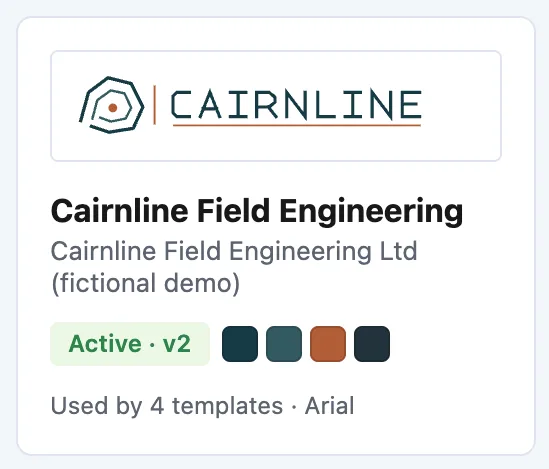
A kit card on the Brand Kits tab: its status and version, colours and the templates that use it. -
Open the PDF and Word sample proofs.
-
Check the logo, colours, fonts, header, footer and company details in both files.
-
Choose Approve. The dialog names the version.
-
Read the Setting, Was and Now table.
-
Tick the line about templates needing a new proof.
-
Choose Approve again.

If the version changes bank details, the remit-to address or a signature, it now reads Awaiting second approver. Then:
-
Ask a different person with Docable Approve Brand to open the kit.
-
They choose Approve as second approver.
Example
The Cairnline kit is the approved kit behind the certificate. Its card reads Active · v1, with a second badge, New version in progress, while a new draft is being made.
Check it worked
The version becomes Current and the previous Current becomes Previous. Approved versions never change. A template keeps the kit version it was proved with until it is proved again.
If it doesn’t work
| What you see | What to do |
|---|---|
| Approve is greyed out. | Save the draft, and make fresh sample proofs of this revision first. |
| The second approval is refused. | Ask someone other than the first approver, and other than anyone who changed the draft. There is no override. |
| A new approver cannot open the sample files. | Sample proofs are shared when they are made, with up to 200 approvers. Ask a Brand manager to make them again. |
| A template still prints the old kit version. | Prove the template again, then approve and activate it: Approve and activate a template. |
Next
Something unclear or wrong? Tell support. Product page: Brand Kits.