
Recipes: how each example document was built
Last updated 7 October 2026.
Each recipe starts from a quick start, lists the settings behind each block of one finished document, and ends with the steps to make it yours. The documents use Docable’s sample brands and synthetic records.
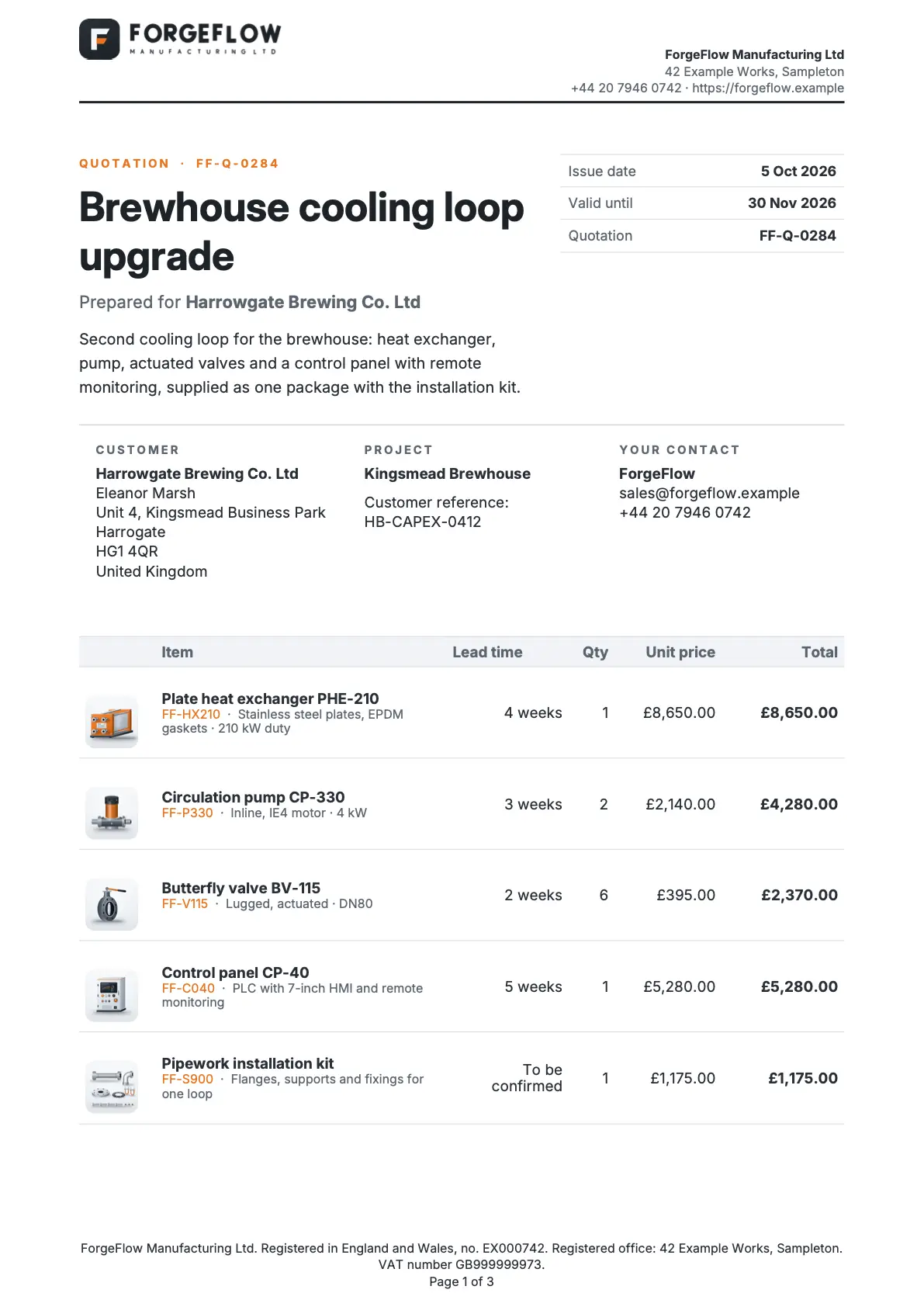
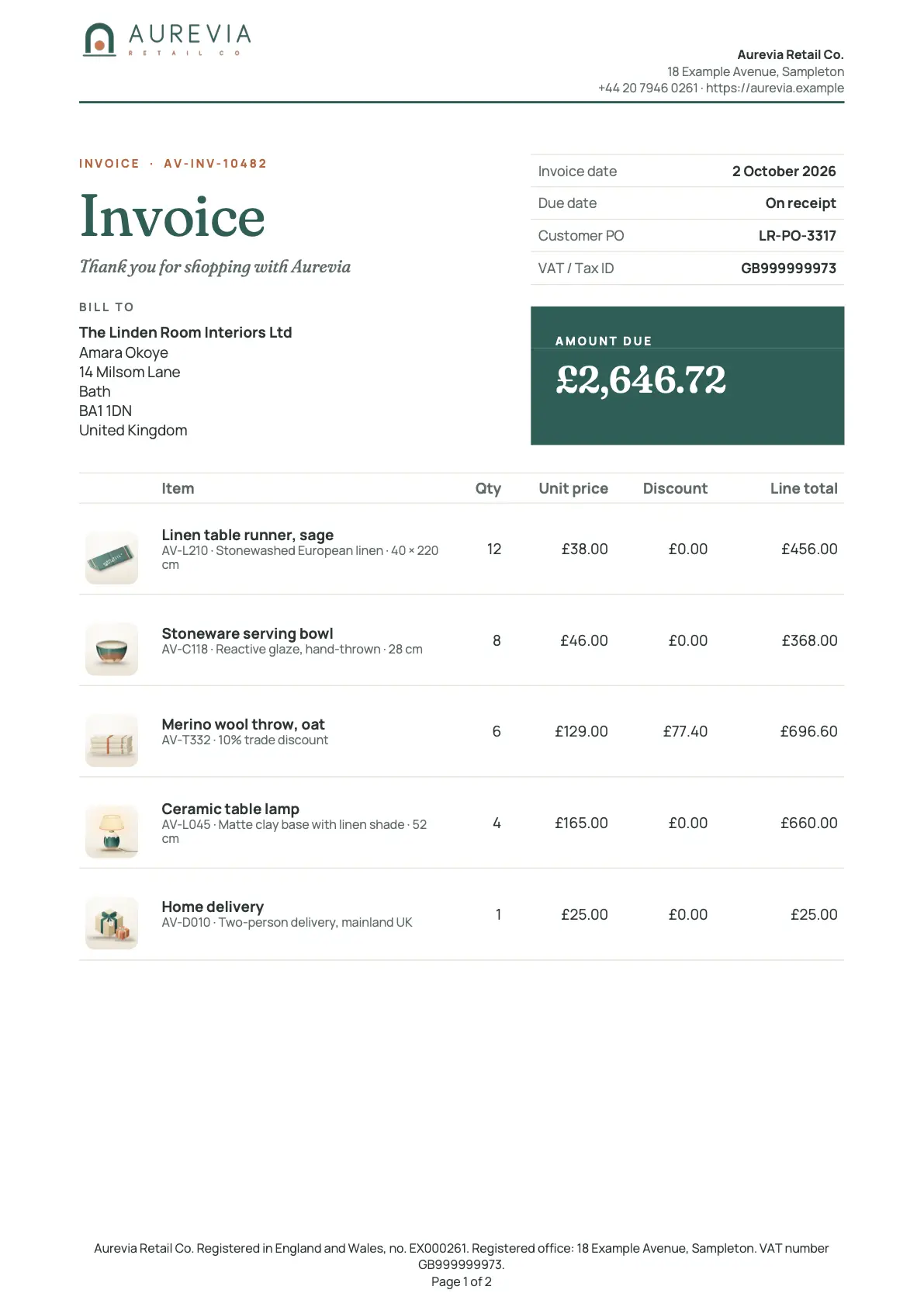
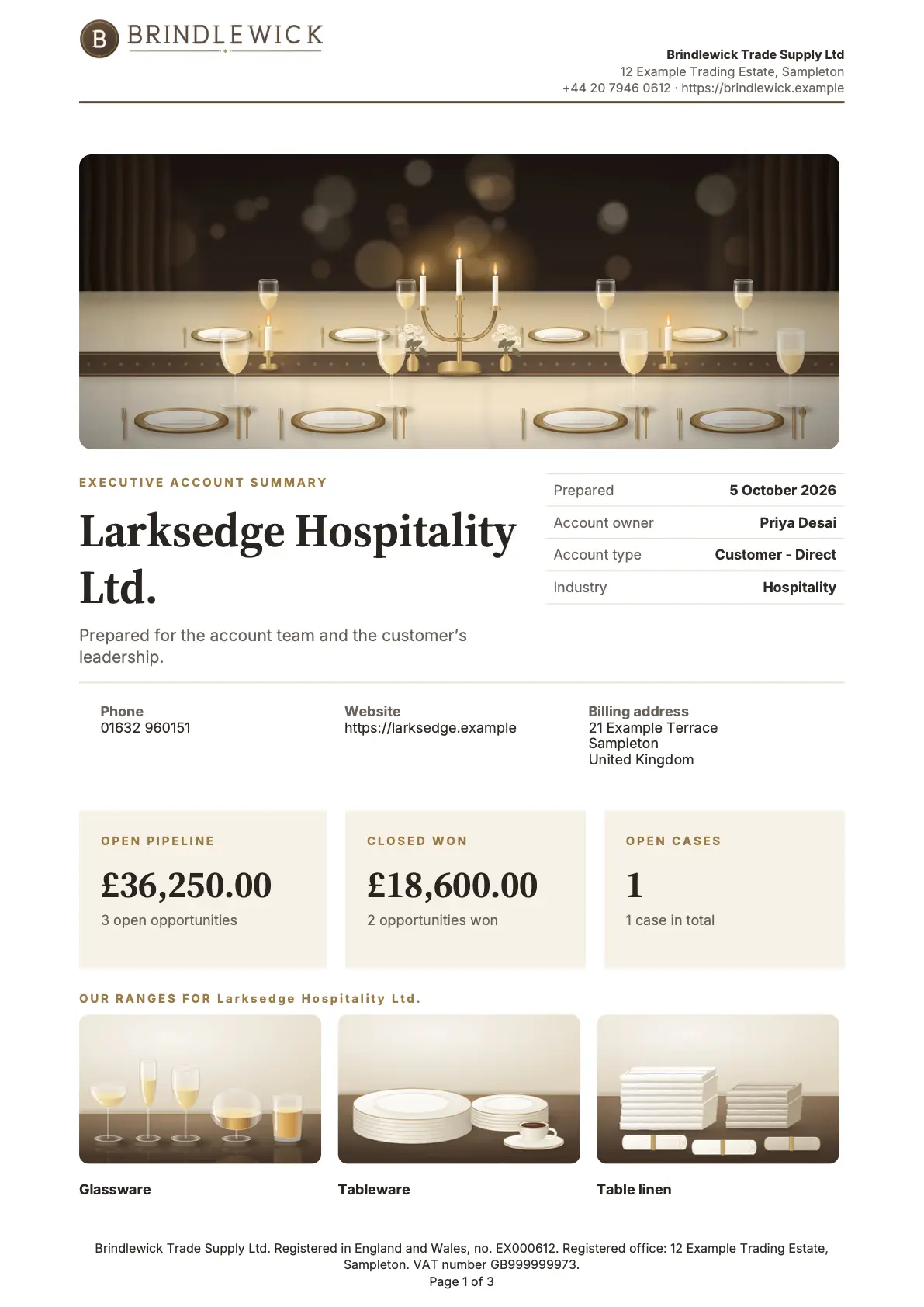
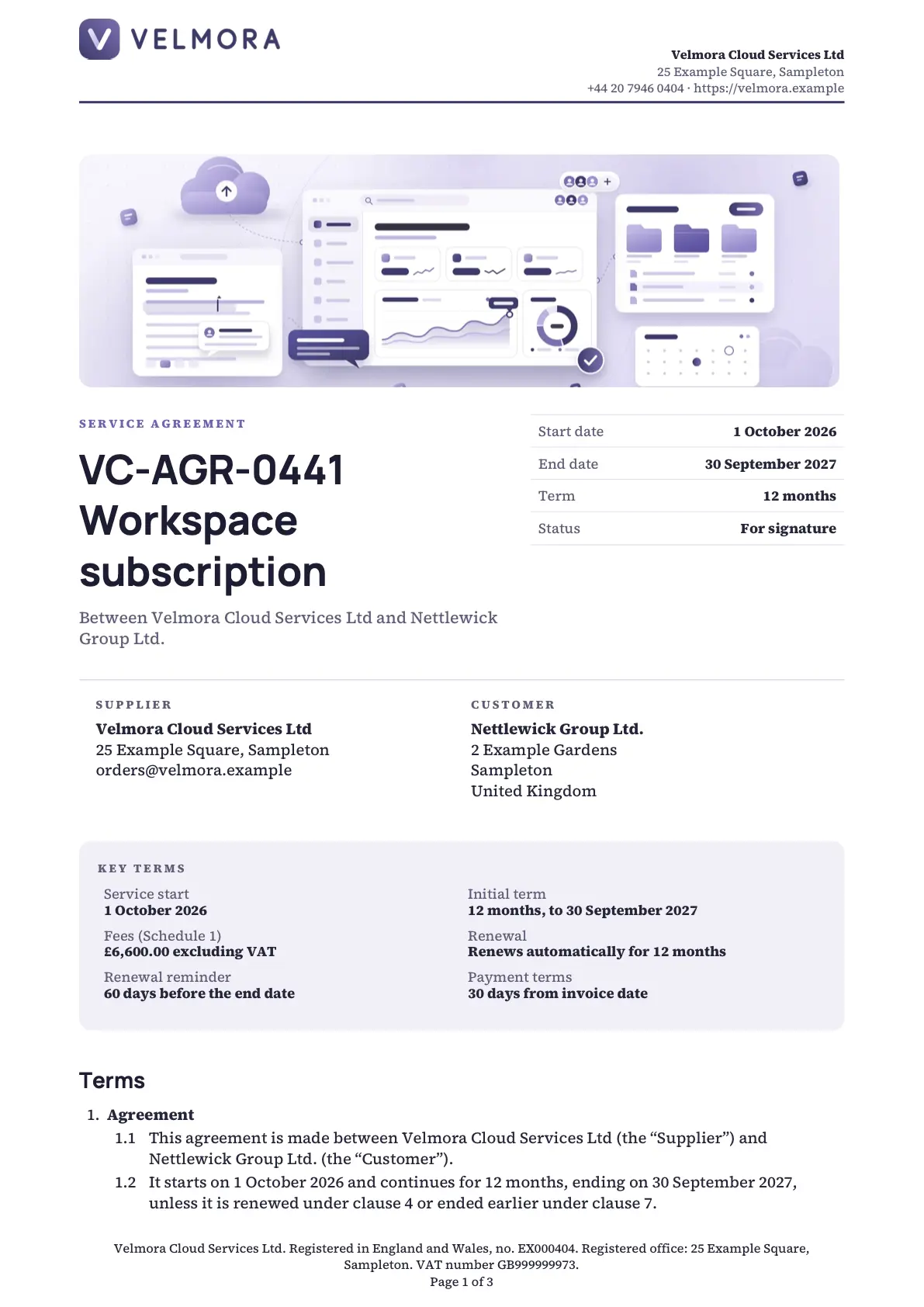
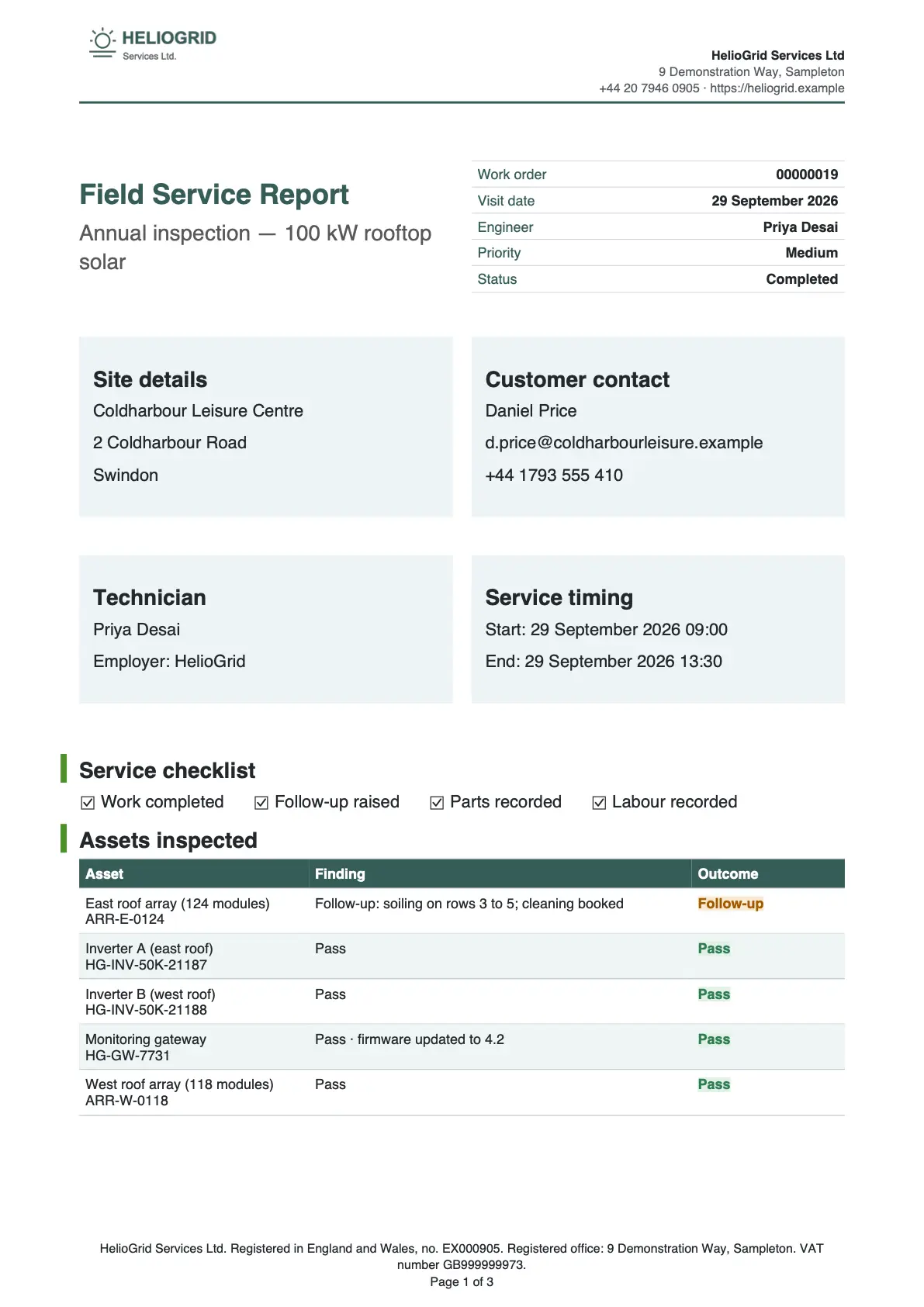
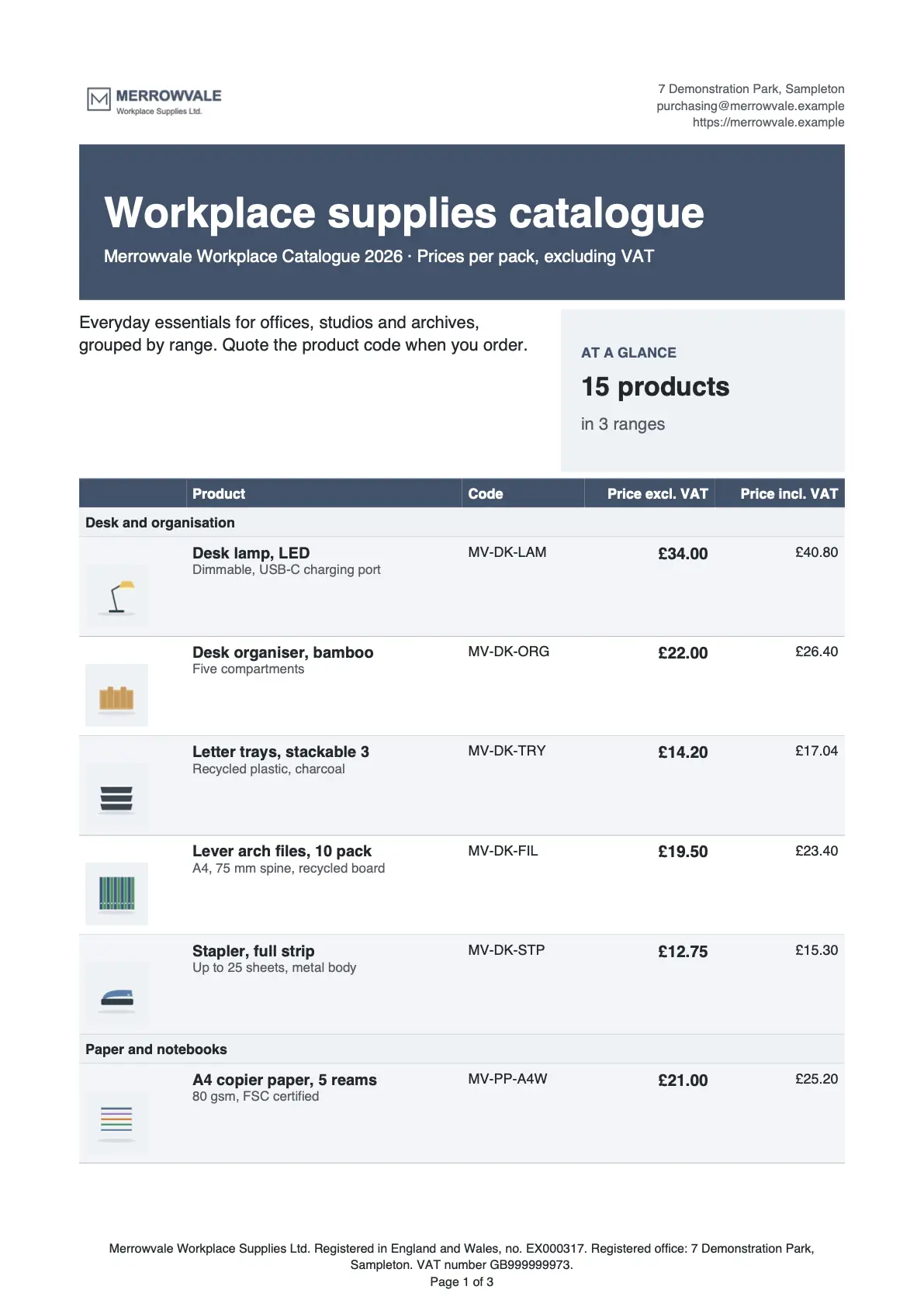
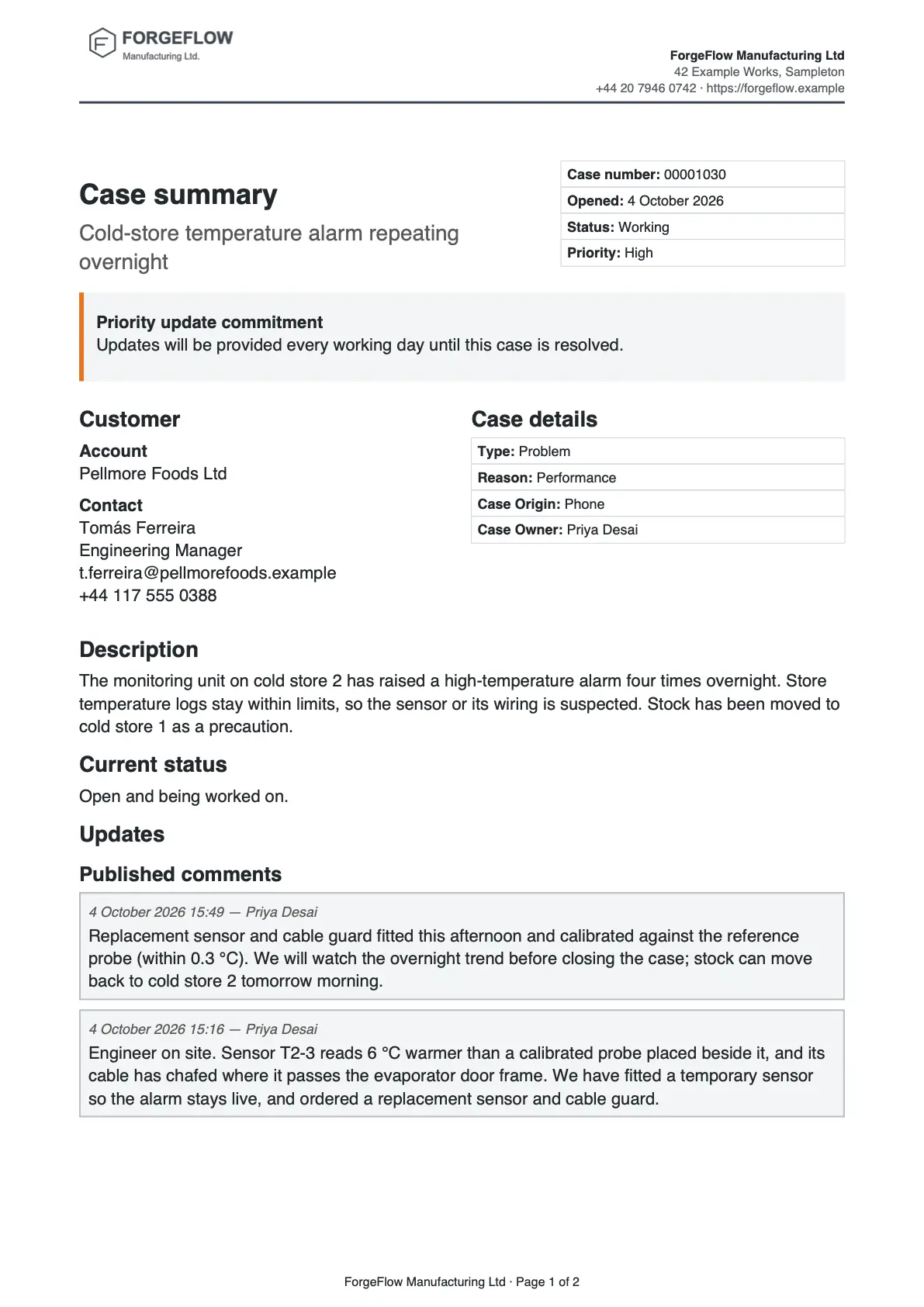
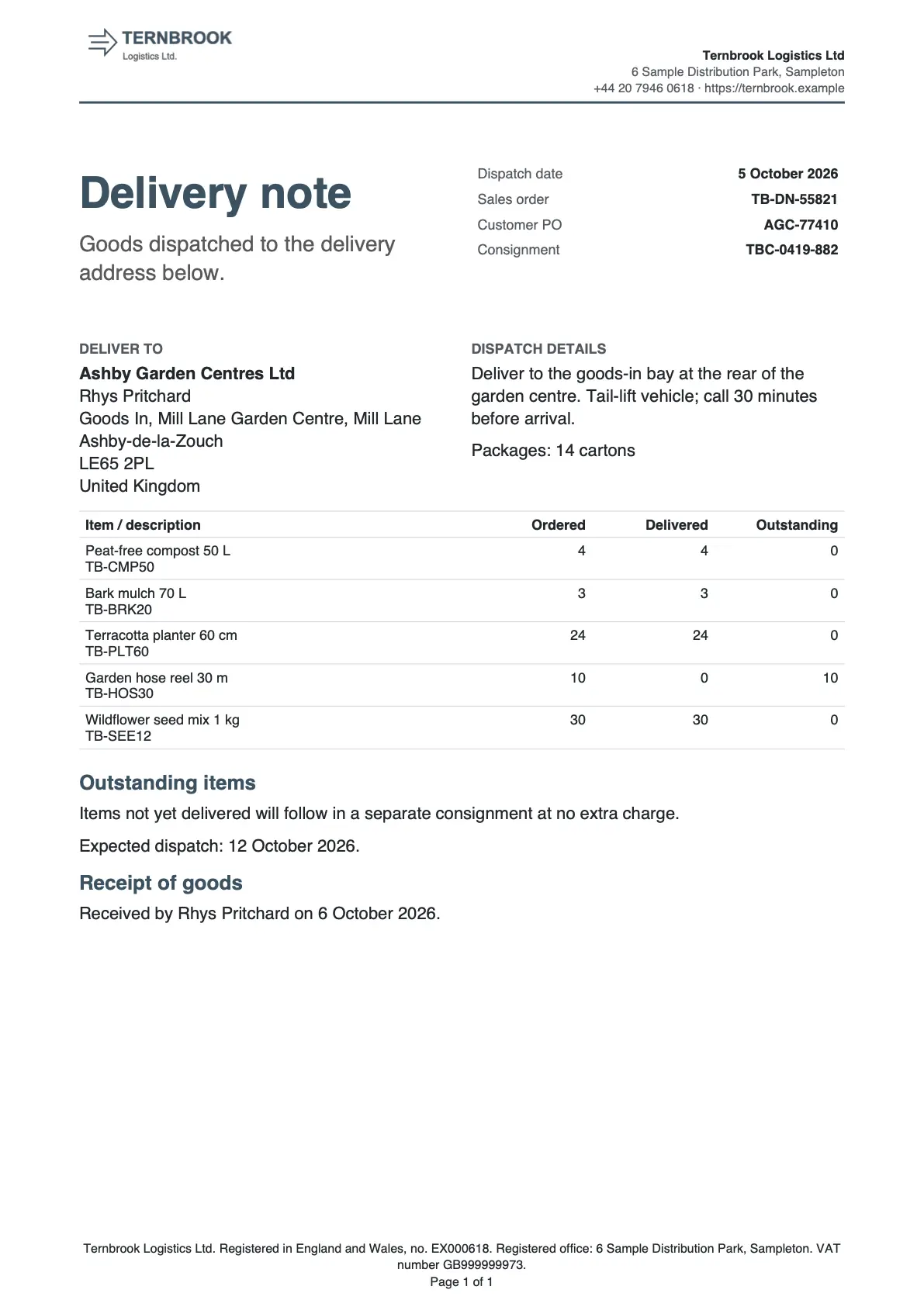


How to read a recipe
- Start from the quick start the recipe names. Every recipe opens with the three steps.
- Read a block’s table beside the picture. Bold is a control in the editor; plain text is a value, a field or wording.
- Follow Make it yours to swap in your brand, wording and fields.
- Check your template against the sample record under Check it worked.
Find a technique
| I want to | See |
|---|---|
| Put a product picture in every table row | Quotation, Invoice, Product catalogue |
| Ask a question when someone generates | Quotation, Invoice, Service agreement |
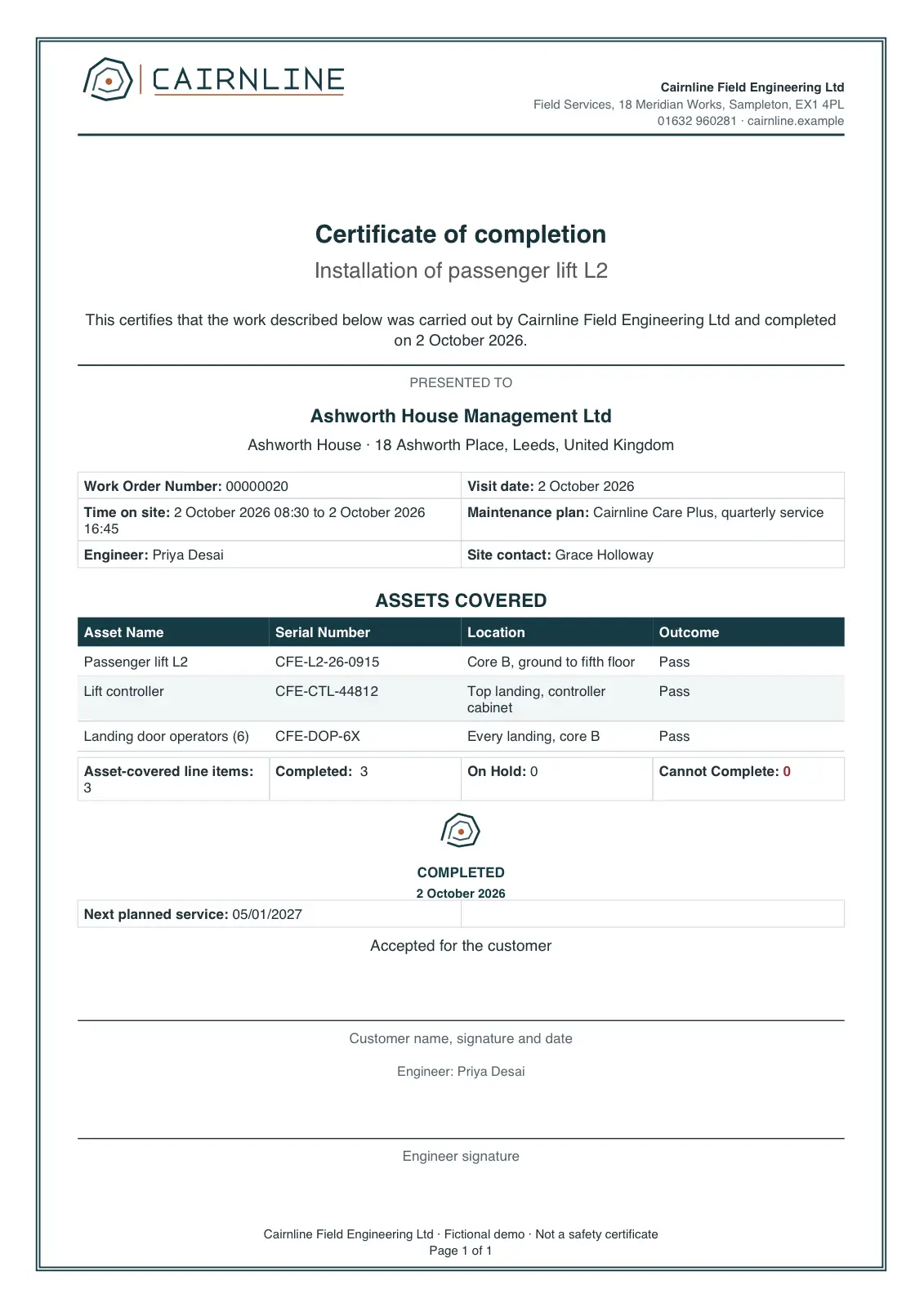
| Show or hide a section | Completion certificate, Delivery note, Case summary |
| Print one of two versions of a block | Service agreement, Customer letter, Product catalogue |
| Add totals, subtotals and calculations | Quotation, Invoice, Account summary |
| Group rows under headings | Product catalogue, Delivery note |
| Chart related records | Quotation, Account summary, Field service report |
| Repeat a block for each record | Service agreement, Case summary |
| Show one list as several tables | Field service report, Invoice |
| Add signatures and photos | Field service report, Completion certificate |
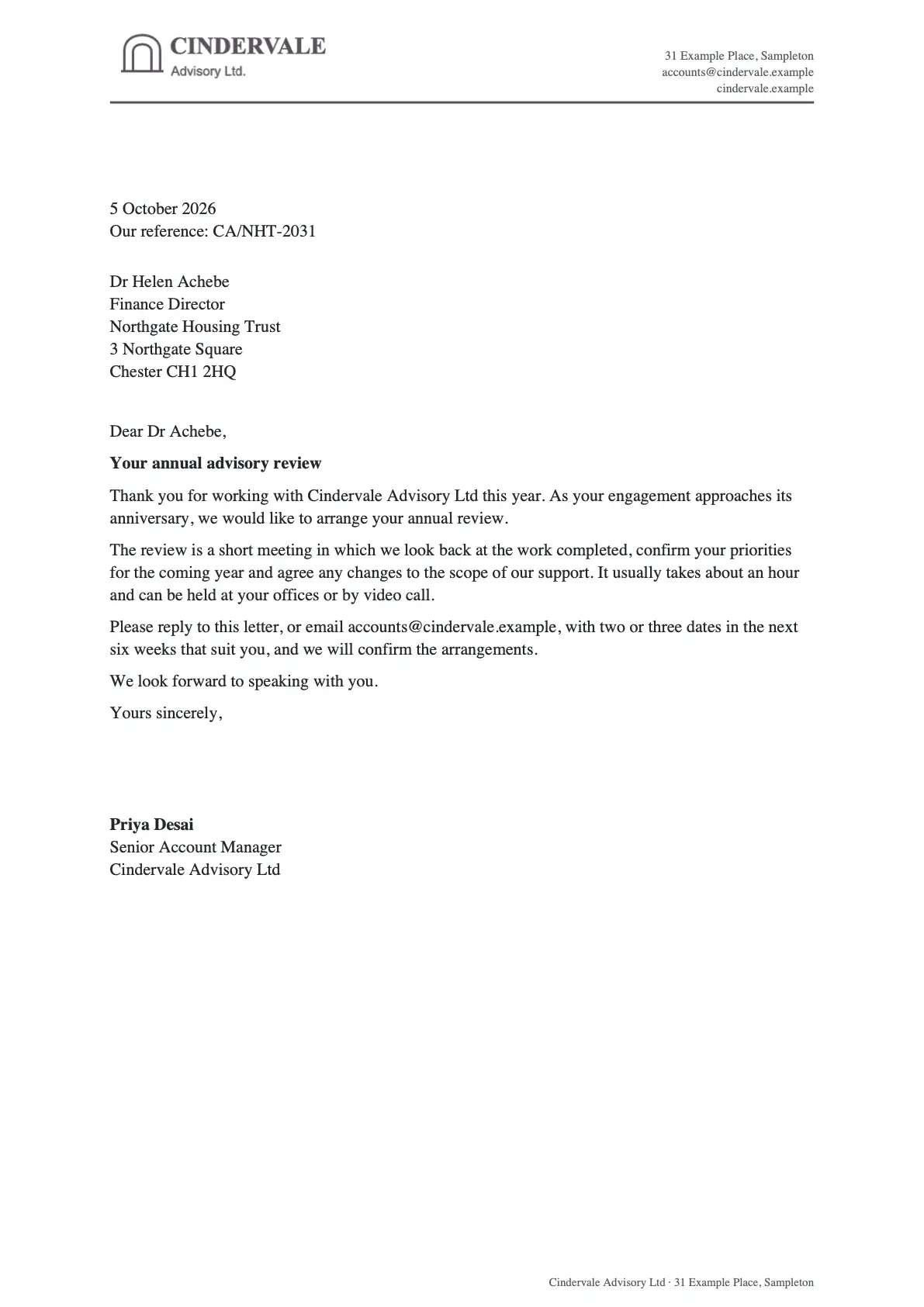
| Set a letterhead, border or watermark | Customer letter, Completion certificate |
| Number clauses so they stay in order | Service agreement |
Next
Something unclear or wrong? Tell support.